Author: user

  • Moltbot(Clawdbot) security

    Securing Your Moltbot: Moving the Control UI Behind Tailscale

    TL;DR: If you’re running Moltbot on a VPS, your admin control panel is probably exposed to the internet. Here’s how to lock it down using Tailscale Funnel while keeping your Telegram bot working.


    The Problem I Discovered

    I was setting up network hardening on my Moltbot VPS when I realized something uncomfortable: I could access the Moltbot control UI from my laptop – a laptop that wasn’t even on my Tailscale network.

    Wait, what?

    I’d gone through the trouble of setting up Tailscale, configuring UFW to block everything except the Tailscale interface, and feeling pretty good about my security posture. But there was a catch: port 50473 was left open for “webhooks.”

    The problem? The Moltbot gateway serves both webhooks AND the control UI on the same port. So while I thought I was just exposing a webhook endpoint, I was actually exposing the entire admin interface to anyone who could find my server’s IP.

    Understanding the Attack Surface

    Here’s what was exposed:

    • Control UI – Full admin access to the bot
    • Gateway API – WebSocket connections for managing sessions
    • Configuration – Ability to view and modify bot settings

    Anyone who discovered my server’s IP could access the full admin interface.

    The Solution: Localhost + Tailscale Funnel

    The fix involves four key changes:

    1. Bind Docker ports to localhost only – The container can’t be reached from external interfaces
    2. Configure trustedProxies – So Moltbot recognizes Tailscale connections
    3. Use Tailscale Funnel – Provides HTTPS access with automatic TLS certificates
    4. Remove the public firewall rule – No more port 50473 exposed to the internet

    Step 1: Update docker-compose.yml

    The critical change is in the ports section:

    ports:
      # Before (vulnerable):
      - "${PORT}:18789"
    
      # After (secure):
      - "127.0.0.1:${PORT}:18789"

    That 127.0.0.1: prefix means Docker only binds to localhost, not all interfaces. This single change blocks all direct public access.

    Step 2: Configure trustedProxies

    Here’s a gotcha that took a while to figure out: when you put Moltbot behind Tailscale, it sees connections coming from the Docker network (172.x.x.x) with forwarded headers from Tailscale (100.x.x.x). By default, Moltbot doesn’t trust these proxy headers, which causes authentication failures.

    The fix is to add trustedProxies to your gateway config:

    {
      "gateway": {
        "trustedProxies": ["127.0.0.1", "172.16.0.0/12", "100.64.0.0/10"],
        "auth": {
          "mode": "token",
          "token": "YOUR_GATEWAY_TOKEN"
        },
        "controlUi": {
          "allowInsecureAuth": true
        }
      }
    }

    The ranges cover:

    • 127.0.0.1 – Localhost
    • 172.16.0.0/12 – Docker networks
    • 100.64.0.0/10 – Tailscale CGNAT range

    Important: Keep allowInsecureAuth: true. The security now comes from the localhost binding and Tailscale, not from Moltbot’s auth layer. Setting it to false causes “pairing required” errors when behind a proxy.

    Step 3: Update the Config in Docker Volume

    Another gotcha: Moltbot’s config persists in a Docker volume. If you update docker-compose.yml, the startup script writes to the config file, but Moltbot merges it with the existing config in the volume. To ensure your changes take effect:

    # Stop the container
    cd /docker/clawdbot-ii5q && docker compose down
    
    # Edit the config directly in the volume
    cat > /var/lib/docker/volumes/clawdbot-ii5q_clawdbot_config/_data/clawdbot.json << 'EOF'
    {
      "gateway": {
        "mode": "local",
        "trustedProxies": ["127.0.0.1", "172.16.0.0/12", "100.64.0.0/10"],
        "auth": {
          "mode": "token",
          "token": "YOUR_GATEWAY_TOKEN"
        },
        "controlUi": {
          "allowInsecureAuth": true
        }
      },
      "channels": {
        "telegram": {
          "enabled": true,
          "botToken": "YOUR_TELEGRAM_BOT_TOKEN",
          "dmPolicy": "open",
          "allowFrom": ["*"]
        }
      }
    }
    EOF
    
    # Start the container
    docker compose up -d

    Step 4: Set Up Tailscale Funnel

    The Moltbot control UI requires a secure context – either HTTPS or localhost. A plain HTTP connection won’t work; you’ll get a WebSocket error:

    disconnected (1008): control ui requires HTTPS or localhost (secure context)

    Tailscale Funnel provides HTTPS with automatic TLS certificates and makes the service accessible from anywhere (not just your Tailscale network):

    tailscale funnel --bg --https=443 http://127.0.0.1:50473

    This gives you a URL like:

    https://your-hostname.tailnet-name.ts.net/

    Why Funnel instead of Serve? Tailscale Serve only works from devices on your Tailscale network. Funnel makes the endpoint publicly accessible – but the security comes from your gateway token, and the public can no longer access the raw port on your server.

    Step 5: Close the Public Port

    ufw delete allow 50473/tcp

    The firewall now only allows traffic on the Tailscale interface:

    Status: active
    
    To                         Action      From
    --                         ------      ----
    Anywhere on tailscale0     ALLOW       Anywhere

    What About Telegram?

    You might wonder: if the port is closed, how do webhooks work?

    They don’t – and that’s fine. Moltbot uses polling by default, not webhooks. The bot makes outbound connections to Telegram’s API to check for new messages. No inbound port needed.

    If you previously set a webhook (like I mistakenly did), delete it:

    curl "https://api.telegram.org/botYOUR_TOKEN/deleteWebhook"

    Then restart the container. Moltbot will automatically switch to polling mode.

    The Result

    Before:

    Internet --> 76.13.23.47:50473 --> Control UI (EXPOSED)

    After:

    Internet --> 76.13.23.47:50473 --> BLOCKED (localhost binding)
    
    Internet --> https://hostname.ts.net/?token=xxx --> Tailscale Funnel --> localhost:50473 --> Control UI

    To access the control UI, you now need:

    1. The Tailscale Funnel HTTPS URL
    2. Your gateway token in the URL

    Access via tokenized URL:

    https://your-hostname.tailnet-name.ts.net/?token=YOUR_GATEWAY_TOKEN

    The public IP no longer exposes anything on port 50473.

    Testing the Fix

    Quick verification:

    # Should timeout/refuse (good - public port blocked)
    curl --connect-timeout 5 http://YOUR_PUBLIC_IP:50473
    
    # Should return HTML (Funnel working)
    curl https://your-hostname.tailnet-name.ts.net/
    
    # Check Docker is bound to localhost only
    docker ps --format "{{.Ports}}"
    # Should show: 127.0.0.1:50473->18789/tcp

    Gotchas I Encountered

    1. “pairing required” Error

    If you see disconnected (1008): pairing required, check:

    • trustedProxies includes Docker and Tailscale ranges
    • allowInsecureAuth is true

    2. “Proxy headers detected from untrusted address”

    This log warning means trustedProxies isn’t configured correctly. Add the ranges listed above.

    3. Config Not Updating

    Moltbot’s config persists in a Docker volume. Stop the container, edit the volume directly, then restart.

    4. Tailscale Serve vs Funnel

    • Serve = Tailscale network only (requires Tailscale on your device)
    • Funnel = Public internet via Tailscale infrastructure

    Use Funnel if you want to access from devices without Tailscale.

    Lessons Learned

    1. Audit what’s actually exposed – I assumed “webhook port” meant minimal exposure. It didn’t.
    2. Localhost binding is powerful – A simple 127.0.0.1: prefix in Docker completely changes the security model.
    3. Trust your proxies – When putting services behind reverse proxies, configure trustedProxies or authentication will break.
    4. Config persistence matters – Docker volumes retain config across restarts. Edit the volume directly for persistent changes.
    5. Tailscale Funnel is underrated – It elegantly provides HTTPS access to localhost services without exposing ports.

    If you’re running Moltbot or any self-hosted service on a VPS, take a few minutes to audit what’s actually reachable from the internet. You might be surprised.
  • AUSTRALIA’S SOCIAL MEDIA BAN FOR TEENS: WHY IT WON’T WORK

    Australia has passed a world-first law banning social media accounts for anyone under 16. The Online Safety Amendment (Social Media Minimum Age) Act 2024 will come into effect by December 2025, forcing platforms to block under-16s or face fines of up to A$50 million.

    Supporters argue it’s necessary to protect kids’ mental health, improve attention spans, and encourage face-to-face socialising. But based on Australia’s history with ambitious tech policies – and the realities of the internet – the ban is unlikely to succeed.


    THE BAN IN BRIEF

    The ban covers major platforms such as Facebook, Instagram, TikTok, X (Twitter), Reddit, Snapchat and YouTube. “Safe” apps like Messenger Kids, WhatsApp, YouTube Kids and Google Classroom will be exempt.

    Prime Minister Anthony Albanese said he wants children to be “shaped by real life, not algorithms.” The opposition also supports the measure.

    But experts are divided. Over 140 academics and child safety specialists signed an open letter warning of unintended harms, while polls show most Australians doubt the ban will achieve its aims.


    A HISTORY OF FAILED TECH FIXES

    Australia has a mixed record with digital interventions:

    • NBN (National Broadband Network) – launched in 2009, it ran years over schedule and billions over budget, delivering slower speeds than promised.
    • GroceryWatch – a $4 million government website to compare supermarket prices, abandoned within a year due to poor data and retailer resistance.
    • Mandatory Internet Filter – planned nationwide ISP filtering in the late 2000s, dropped after backlash over censorship and technical flaws.

    Each started with good intentions but failed in practice. The social media ban risks becoming the next in this line of well-meaning but unworkable policies.


    WHY THE BAN WON’T WORK

    • Easy to bypass. Teens already lie about their age to access under-13 platforms. VPNs and borrowed accounts make an under-16 ban easy to evade.
    • Age verification is unreliable. AI estimation tools aren’t accurate, and requiring IDs raises major privacy concerns.
    • Enforcement is unrealistic. Authorities can’t police every overseas app or gaming platform. Smaller or emerging services may ignore the law entirely.
    • Content is still accessible. Teens don’t need accounts to watch YouTube videos or browse social feeds. Harmful material remains only a click away.

    RISKS AND UNINTENDED HARMS

    Banning teens from mainstream platforms may push them into less safe corners of the internet. TikTok itself warned that such measures could drive young people to riskier, unregulated spaces.

    It could also cut off support networks. Social media connects teens to educational content, creative outlets, and communities – especially valuable for isolated or vulnerable youth. UNICEF Australia notes that banning access “won’t fix the problems young people face online.”

    Finally, the ban may delay, not prevent risky behaviour. Teens could binge social media once they turn 16, without the gradual learning that comes from earlier, supervised use.


    BETTER SOLUTIONS

    Instead of a blunt ban, experts suggest a mix of education, parental involvement, and platform accountability:

    • Digital literacy in schools to teach teens how to use social media responsibly.
    • Parental engagement and tools so families can set healthy boundaries together.
    • Transparency from tech companies on teen usage, harmful content exposure, and safety measures.
    • Safer design rules for under-18s, such as default privacy, limits on addictive features, and stricter filtering of harmful material.

    This approach targets the root problems – harmful content and addictive design – rather than trying to banish teens from the platforms entirely.


    CONCLUSION

    Australia’s social media ban is bold, but boldness alone doesn’t make good policy. Teens are likely to bypass restrictions, enforcement will be patchy, and the risks of unintended harm are high.

    Protecting young people online will require more than symbolic bans. Education, parental support, and holding tech companies accountable are smarter, more sustainable ways to create a healthier digital environment.


    Sources:

  • A Simple Solution to the AI-Generated Media Crisis: Domain-Verified Content

    We have a trust problem. Every day, AI-generated videos and images become more sophisticated and harder to detect. From deepfake political speeches to fabricated war footage, we’re losing our ability to distinguish real from fake.

    But what if the solution was as simple as the padlock icon in your browser?

    The Problem Is Getting Worse

    Last week, a friend shared a video of a celebrity endorsing a product. It looked perfect—the voice, the mannerisms, everything. It was completely fake. This isn’t just about celebrities; it’s about news footage, evidence in court cases, and the fundamental trust in what we see.

    Current solutions—watermarks, blockchain registries, AI detection tools—are either too complex, too easy to circumvent, or require massive new infrastructure. We need something simpler.

    Learning from Email Security

    Here’s the insight: we already solved this problem for email.

    When you receive an email from your bank, hidden technology verifies it actually came from your bank’s domain. It’s called DKIM (DomainKeys Identified Mail), and it works silently in the background. No blockchain, no central authority—just simple cryptographic verification.

    Why not use the same approach for videos and images?

    How Domain-Verified Media Works

    Imagine this:

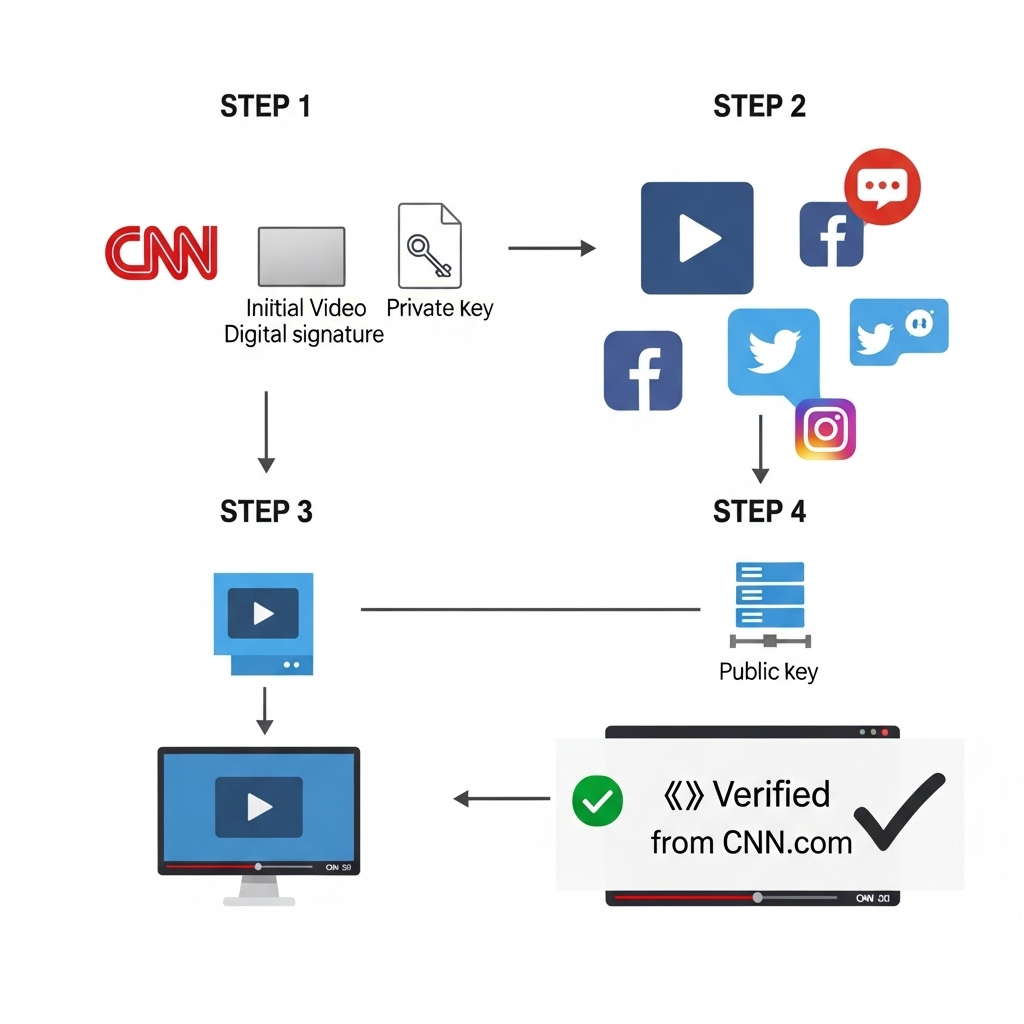
    1. CNN posts a video: They encrypt it with their private key—a digital signature only they possess.
    2. You share it anywhere: The video travels across social media, messaging apps, and websites, maintaining its encrypted verification.
    3. Anyone plays it: The video player checks CNN.com’s public domain records (just like checking a phone book) and verifies the signature. A simple checkmark appears: “✓ Verified from CNN.com”

    That’s it. If you trust CNN.com, you trust the video. No new apps to download, no accounts to create, no blockchain to understand.

    # DKIM Example:
    selector._domainkey.example.com TXT "k=rsa; p=MIGfMA0GCS..."
    
    # Proposed Video Auth:
    _videoauth.example.com TXT "v=VIDAUTH1; k=rsa; p=MIGfMA0GCS..."

    Why This Works

    It’s simple: Users already understand domain names. If you trust BBC.com for news, you’ll trust video verified from BBC.com.

    It uses existing infrastructure: The internet’s DNS system already handles billions of lookups daily. We’re just adding one more type of record.

    It’s decentralized: No single company or government controls it. Each domain owner manages their own keys.

    It scales: From major news organizations to individual creators with their own domains, anyone can participate.

    Real-World Impact

    Consider these scenarios:

    • Breaking news: Verify that footage actually comes from Reuters.com, not a fake news site
    • Political content: Confirm that campaign video really comes from the official campaign domain
    • Corporate communications: Ensure that CEO announcement is authentic, not a deepfake
    • Content creators: YouTubers and influencers can verify their content through their own domains

    The Path Forward

    This isn’t science fiction—the technology exists today. We just need:

    1. Standards agreement: Tech companies agreeing on the format (like they did with email)
    2. Player support: Video players adding verification features (browsers are logical first adopters)
    3. Creator adoption: Major media organizations leading by example

    Starting Small, Thinking Big

    We don’t need everyone to adopt this overnight. Start with news organizations and official government channels. As users begin to expect that checkmark, demand will drive adoption.

    The beauty is its simplicity. No one needs to understand cryptography—just like no one needs to understand HTTPS to see the padlock icon. They just need to look for the checkmark and recognize the domain.

    The Future of Trust

    In a world where anyone can generate convincing fake content, we need a simple way to verify the real thing. Domain-verified media offers that simplicity. It’s not perfect—no solution is—but it’s a practical step forward that builds on infrastructure and mental models we already have.

    The technology is ready. The question is: are we?


  • The end of software

    The End of Pre-Packaged Software

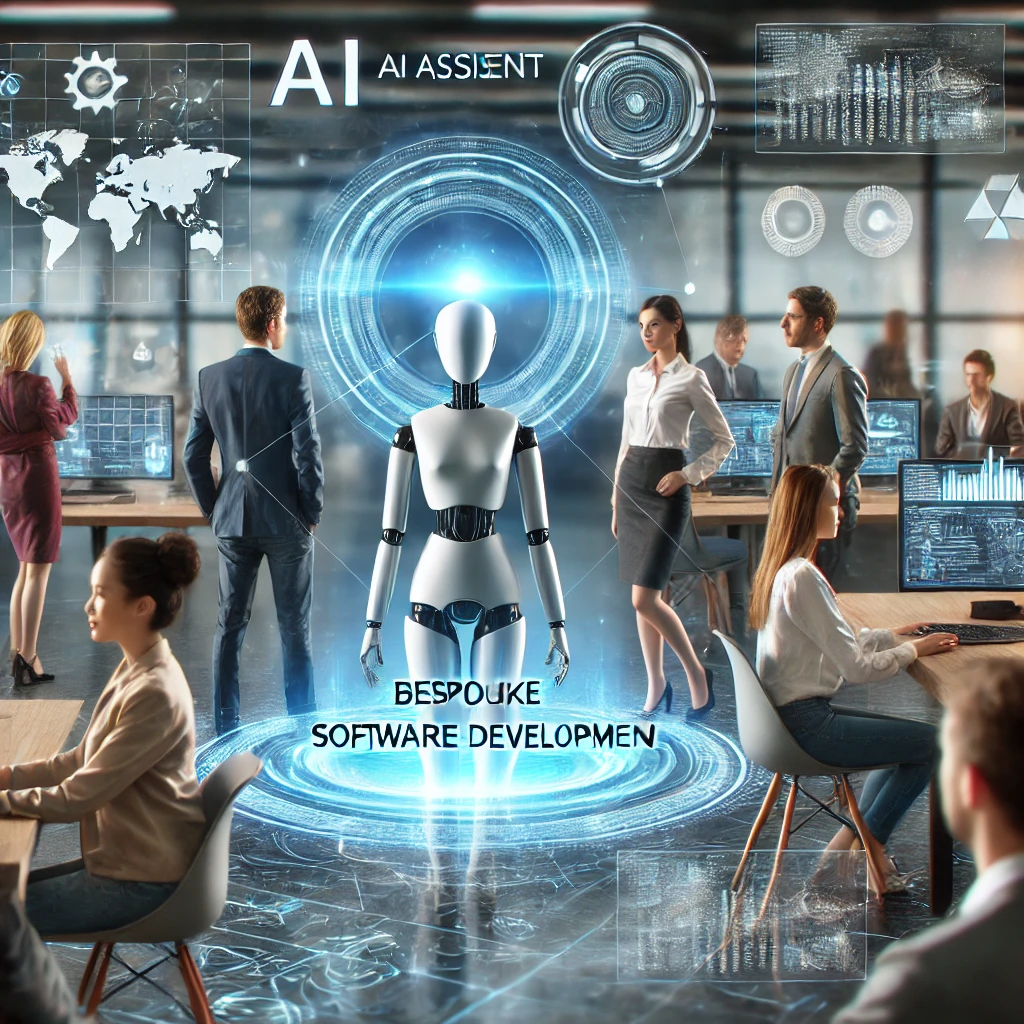
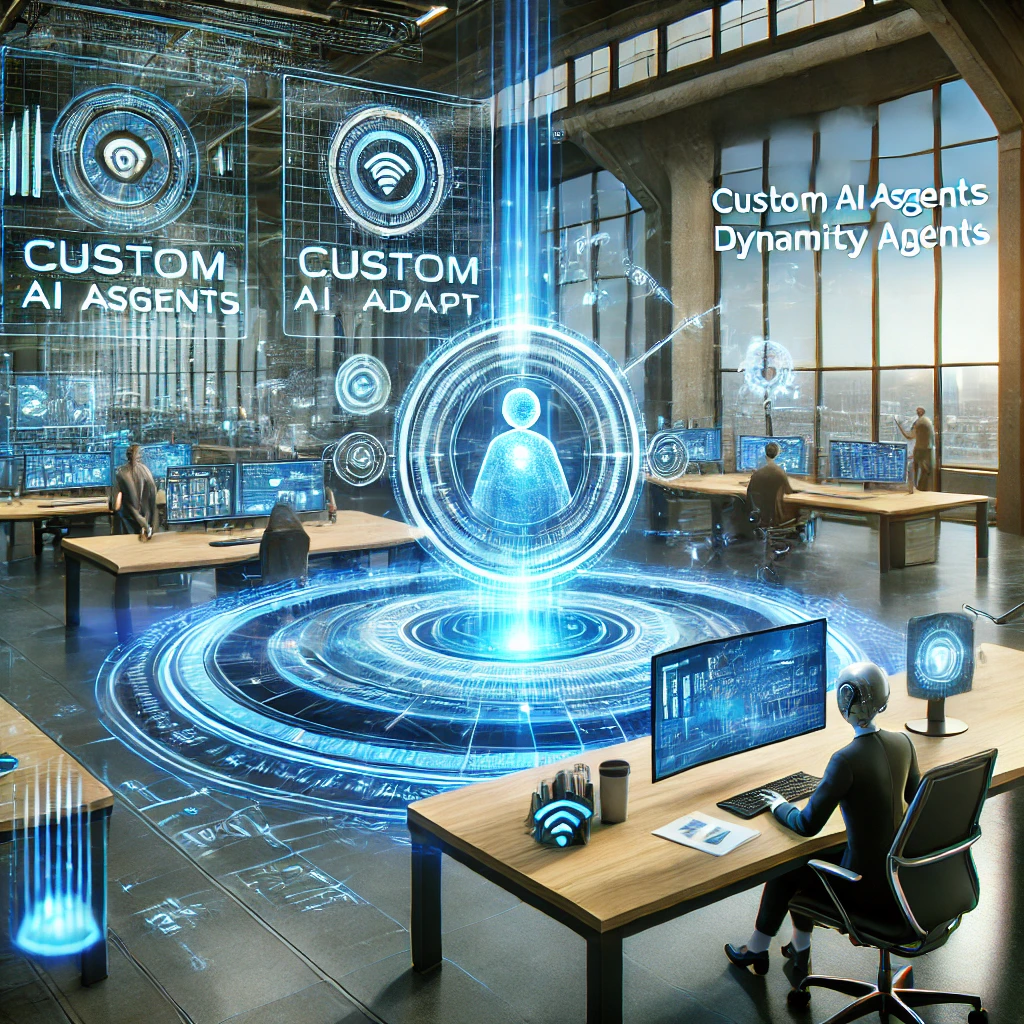
    Satya Nadella, CEO of Microsoft, recently remarked that the era of proprietary “pre-packaged” software could come to an end. This predicts a future where custom AI agents replace traditional software by delivering tailored solutions virtually on-the-fly that meet our needs dynamically and precisely.

    Limitations of Traditional Software

    For decades, pre-packaged software has been the backbone of personal and professional productivity. From spreadsheets to photo editing tools, these programs were designed to cater to the broadest audience possible, providing a one-size-fits-all solution. However, this approach inherently comes with limitations: unnecessary features for some users, missing functionality for others, and inflexibility in adapting to unique workflows.

    The Rise of AI-Driven Solutions

    The exponential increase in capability of artificial intelligence promises to change this landscape fundamentally. Imagine AI agents that can learn from your behaviour, adapt to your preferences, and seamlessly integrate with your specific workflows. These agents would effectively act as bespoke software developers, crafting solutions on the fly to address your requirements.

    A New Era of Customisation

    Here’s an example: instead of relying on a traditional project management tool with fixed features, your AI agent could create a customised dashboard that evolves based on your project’s progress, the team’s needs, and external factors. It could integrate data from disparate systems, provide real-time insights, and even automate repetitive tasks without requiring you to switch between multiple applications.

    Democratising Technology Through AI

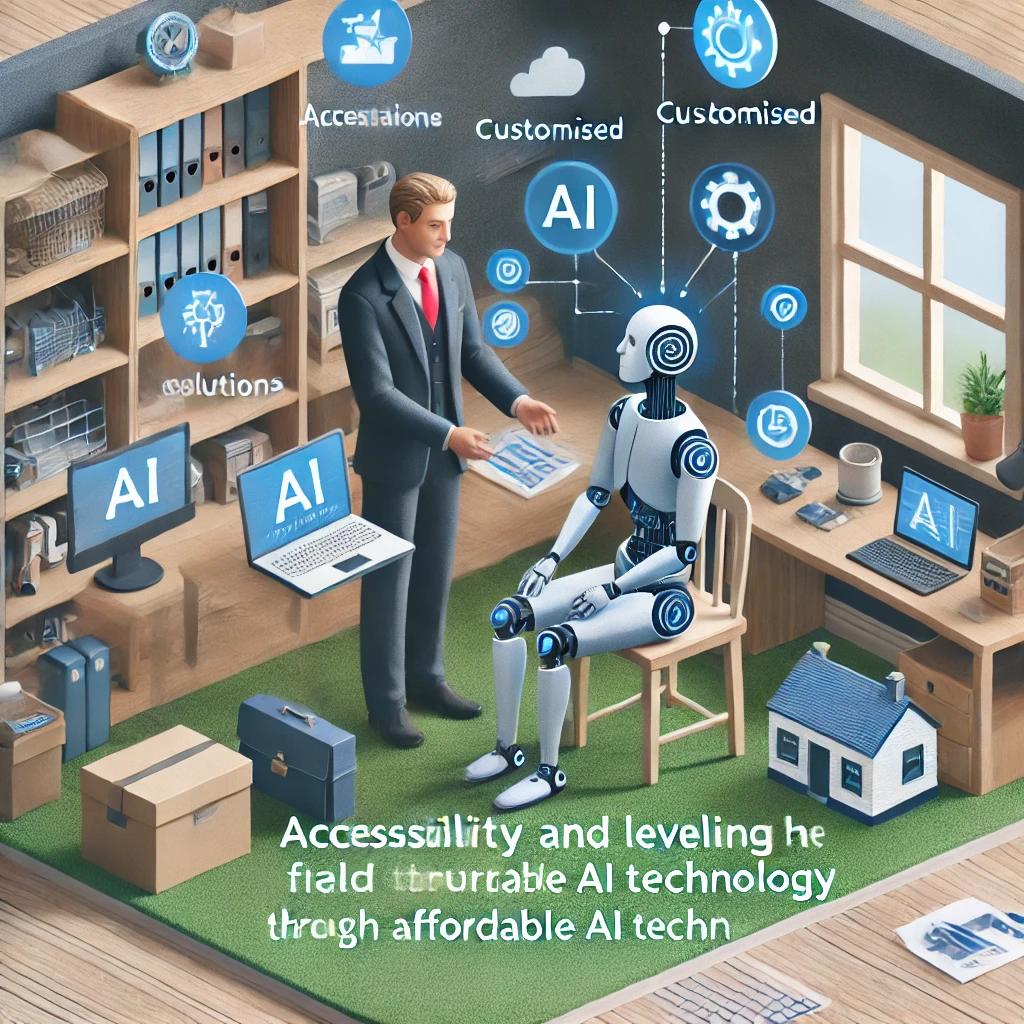
    This shift could further democratise access to technology. Today, developing software tailored to a niche audience or specific use case often requires significant investment, putting it out of reach for many. AI agents, however, could make customised solutions available to individuals and small businesses at a fraction of the cost, levelling the playing field.

    Challenges and Questions to Address

    Of course, this transformation raises new challenges and questions. Who owns the data these AI agents learn from? How do we ensure that AI-generated solutions are secure and trustworthy? What happens to the developers and industries built around traditional software? These are critical issues we must address as we move toward this vision.

    Gradual Transition to AI-Driven Tools

    The transition from pre-packaged software to custom AI agents won’t happen overnight. It will likely be gradual, with traditional software coexisting alongside AI-driven solutions for years to come. But as AI becomes more advanced and accessible, the scales will tip in favour of personalised, dynamic tools that align perfectly with individual and organisational needs.

    A Future Beyond Imagination

    The potential horizon is extraordinary. If AI agents can truly replicate and surpass the functionality of today’s software, we may find ourselves in a world where technology is not just a tool but a collaborator—working alongside us, learning with us, and evolving to meet our needs in ways we’ve only begun to imagine.

  • Think first

    The hype surrounding AI’s potential to transform cognitive tasks in business is considerable. Although its impact will be profound, few concrete use cases have been widely adopted in the business sector during this early stage.

    Before investing substantially in AI, businesses should carefully consider how generative AI could benefit their operations.

    Our initial approach involves a candid assessment of your business sectors where AI implementation may be premature. It is essential to ensure that a needs analysis corresponds with the current state of actionable AI prior to investing in pilot projects.

  • How we consult

    Strategy Formulation In this initial phase, AI consultants collaborate with the client to devise an optimal plan for integrating AI into their business. They enumerate the necessary tools, calculate costs, estimate the timeframe, and consider other relevant factors during the planning process.

    Evaluating Feasibility and Potential Outcomes
    AI projects often stall due to inadequate preliminary assessment. AI consultants rigorously evaluate the viability and prospects for success, guiding businesses toward initiatives that promise growth and have a higher likelihood of success.

    Putting the Plan into Action
    Once the plan is approved, it’s time for the AI consulting company to put it into action. For example, if a business wants to use AI chatbots for customer support, the AI consultants will set up the chatbots and ensure they work properly.

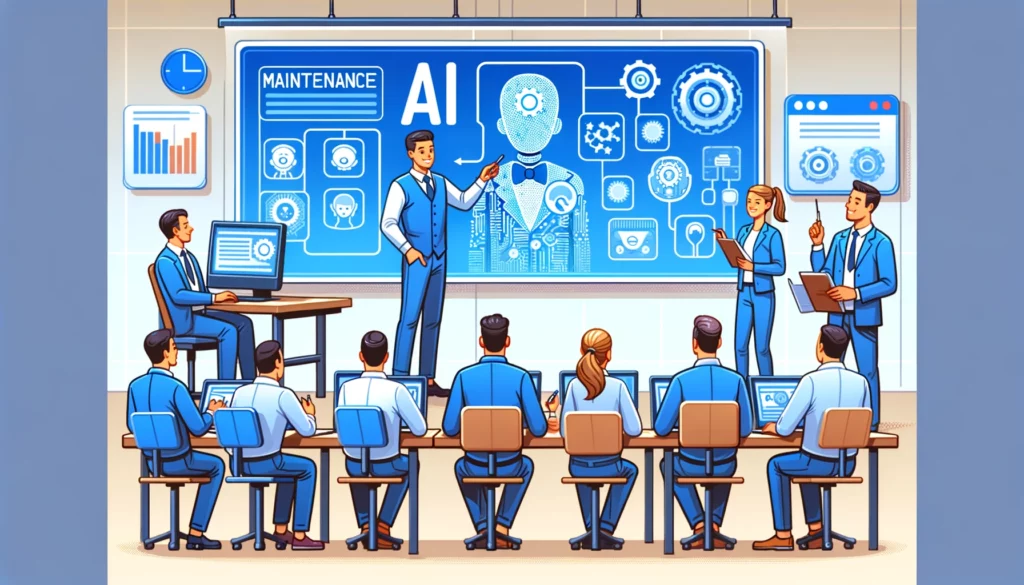
    Training and Maintenance AI consulting firms provide employee training on the utilization of newly implemented AI technologies. Additionally, they perform routine system maintenance to troubleshoot issues and apply necessary updates.

    Ensuring Legal Compliance and Security The AI consulting firm must ensure that the AI systems they design adhere to all applicable laws and regulations, safeguard data, and operate in accordance with international standards.

  • The Impact of AI on software development

    Since the launch of public access to ChatGPT, much has been made of the impact that generative artificial intelligence will have on the profession of software development.

    However, I think that there will be important milestones before this impact is profound. The two milestones are:

    AI that can debug code as an agent

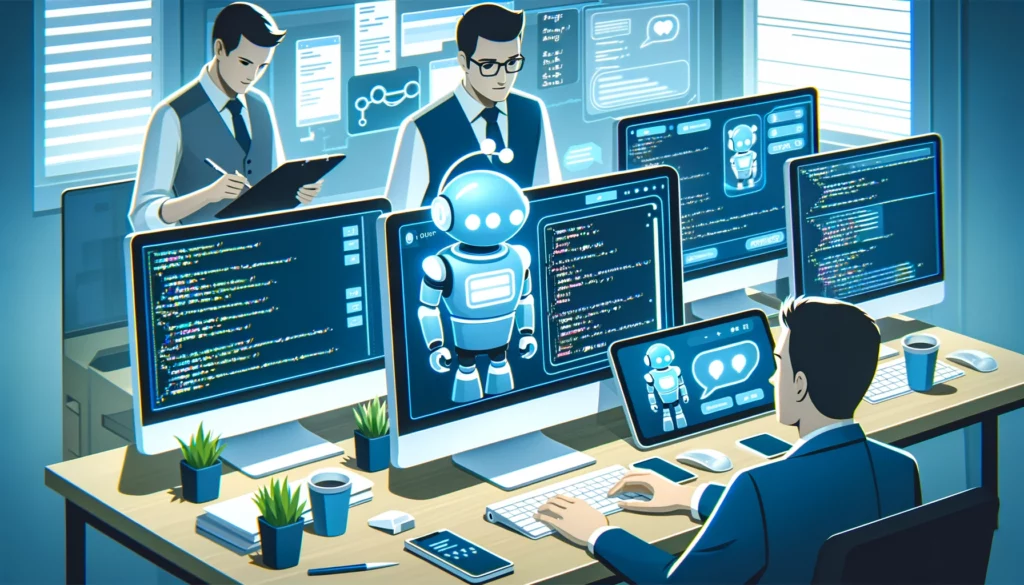
    If AI can run as a agent on a development server and also has permission to edit application code, this will “close the loop” as a human developer will not need to be involved in order for the AI agent to iteratively debug software.

    Developers will need to focus more on system architecture, defining requirements and project management — allowing AI to handle the lower-level coding implementation details.

    AI that can translate business requirements into code

    AI has proved itself to be quite capable with snippets at code, but has yet not the context length to absorb entire repositories. It is yet to be proved how well AI will be able to ingest an entire repository and then understand the business outputs of the code. Until then, a developer will still be required to translate business requirements into code requirements.

    Summary

    The software development profession stands at the precipice of an AI-driven paradigm shift. Those who upskill and pivot to developing AI-augmented software will survive in the long term.

  • ChatGPT

    ChatGPT

    ChatGPT revolutionizes the landscape of AI by harnessing a deep learning language model and making it readily accessible to everyone. Before the advent of ChatGPT, training models required proficiency in a programming language like Python, creating a barrier to entry for many individuals.

    The capabilities of ChatGPT represent a breakthrough comparable to the invention of the internet, marking a significant milestone in the evolution of technology and information sharing

    Plugins

    Discover the practicality of ChatGPT plugins – a valuable addition to your digital toolkit. These plugins integrate effortlessly with your preferred platforms, enabling you to improve communication, productivity, and creativity across various applications.

    ChatGPT plugins offer a range of useful features, from AI-powered writing suggestions to personalized recommendations, designed to cater to the diverse needs of business owners, content creators, and individuals seeking a more efficient online experience.

    By incorporating ChatGPT plugins into your workflow, you can streamline your processes, refine your content strategy, and adapt to the ever-changing digital environment. Experience the benefits of AI in a subtle yet effective manner with ChatGPT plugins.

    AutoGPT

    These allow the LLM (large language model) to act as a controller. The LLM is given a big-picture objective that it then breaks down into smaller tasks. It then uses “agents” to perform the tasks. These agents can specialise in particular tasks such as retrieving information from the internet or sending emails.

  • Devices and democracy

    Devices and democracy

    Podcast to listen to:

    https://www.abc.net.au/radio/programs/conversations/jamie-susskind/12019092

    My takeaways:

    • currently, editorial policies are being set and changed on-the-fly by technology platforms such as Facebook. Governments should have more of a role in this.
    • the volume of content posted will require algorithms to either censor/curate content.
    • government legislation and regulation cadence are currently not matching the pace of technological change.